Visual Coverage

V Rising Guide Visual Coverage

Reviewed on August 18, 2026. This page shows which guides already have real route or setup visuals, which pages are next for visual review, and how the public visual layer is developing without pretending planned screenshots are already live.

Proof desk snapshot

What is actually moving on this board today

This quick layer makes the page feel like a live maintenance board instead of a static explanation page: current totals, the next three public trust wins, and the tools that would move them.

Live screenshots today

0 of 54 planned proof slots are connected publicly as of August 18, 2026, so the board still needs its first real gameplay upload.

Mapped guide pages

18 guides already have screenshot or verification slots, which means the structure is ready even though the first proof pass is still pending.

Best next trust lifts

Clive, Iron, and Mods are still the cleanest first wins because one literal image would answer the visitor's main doubt quickly.

Next tool to open

Use Screenshot Capture Planner when you want the next filename, folder, and public claim lined up before capture.

Open the first screenshot batch

Use the operations page when you want the six exact first files, grouped sessions, and go-live rules in one public place.

Active test queue

Use Player Testing Queue when the real question is not “what should the file be?” but “which guide deserves the next run?”

Proof cadence

How live proof work stays fixed week to week

The board should not feel random. Monday is for checking which targets still need proof, Wednesday is for the next capture pass, and Friday is for updating the public proof trail and worklog together.

When Proof focus What readers should see
MondayCheck the queue and pick the clearest next trust win.The next screenshot target is obvious.
WednesdayCapture or verify one real file that proves a page claim.At least one pending slot gets closer to live status.
FridaySync Proof, Worklog, and the affected guide page.The public maintenance record matches the new file.
After a patchMove version-sensitive pages back toward the front of the line.Patch drift is handled before it becomes guesswork.
Visual shelf

The next three proof wins, shown like a real queue

These diagrams are context only. They help the proof page feel like an active game-site control room while the live screenshot count stays honest about what is still missing.

Proof operations

What this board is managing right now

The page works best when it reads like an active queue: each lane should explain the next useful capture, why it matters, and what still keeps it pending.

Boss and resource proof

These are the easiest trust wins because one route image can answer both location and value questions at once.

Castle and setup proof

These slots should show movement, flow, or the exact build path the page recommends, not just a nice-looking room.

Mods and patch-sensitive proof

These images need the current loader or install view so the page can prove the workflow still matches the latest setup advice.

If a slot stays pending

Leave it visible, keep the claim honest, and move the next public capture forward instead of forcing a weak image live.

How to read this board

What This Page Is Trying to Show Honestly

What to trust here first

  • pages with live route or setup visuals already connected
  • review-priority pages where one real image would change trust quickly
  • capture kits with exact filenames and folders already wired in
  • review notes that make the current evidence gap visible instead of hiding it

What this board does not pretend

  • it does not treat planned visuals as live visuals
  • it does not use decorative screenshots as fake verification
  • it does not assume every guide needs the same refresh priority
  • it does not try to look finished before live visuals actually exist
Before you count a screenshot as proof

A Planned Slot Is Not a Live Screenshot

A visual only counts here when the real WebP file exists, the guide page references it publicly, and the caption explains the exact route, station, loop, or setup the image proves. Until all three are true, the slot stays pending.

Go-live standard

What Has to Be True Before a Planned Slot Flips to Live

This is the public execution rule for the first screenshot batch. It keeps the site from counting a loose file upload as proof before the image is actually useful on the page.

The real file exists

The screenshot has to be an actual WebP file in the mapped guide folder. A written note, a planned filename, or a future placeholder does not count.

The file matches the guide slot

The image should land in the exact guide folder and use the short numbered filename already listed on the page, so the public board and the guide can stay in sync.

The image proves the stated claim

The screenshot should confirm the route, unlock, layout loop, or install step the page promised. Decorative images and broad scenic shots still do not count as proof.

The public state changes with it

The guide proof block, this board, and the connected totals should all move together. If the page still reads like the slot is pending, the proof is not really live yet.

Next real-play queue

Open the player testing queue to see which guide should get the next live route check and which filename should become the next public proof file.

Capture acceptance check

What Makes a Screenshot Usable Proof

A screenshot is useful only when it helps a reader verify one specific claim. The first visual pass should favor boring, literal proof over dramatic images, because a clear route landmark or setup screen is more useful than a pretty frame that proves nothing.

Check Accept the image if Do not count it yet if
Claim match The image proves the exact route, unlock, layout loop, folder path, or setup step named in the slot. It is only a scenic shot, combat moment, or generic menu view that does not confirm the page claim.
Reader orientation A visitor can tell where they are, what they should compare, and why the image belongs on that guide. The crop is so tight, dark, busy, or unlabeled that the reader still has to guess what matters.
Privacy and safety The frame avoids private server details, account names, passwords, personal identifiers, and unrelated overlays. The image exposes private data or would need heavy redaction before being safe on a public guide page.
Public wiring The WebP file, guide reference, caption, proof board, and worklog note can all point to the same real change. The file exists locally but the public guide, caption, or proof totals still do not confirm it is live.

If a screenshot fails one of these checks, the safer move is to leave the slot pending and explain the next capture target instead of forcing a weak image into the live-proof count.

First live screenshot gate

Do Not Flip a Slot Live Until the Same File Is Visible Everywhere

The first real screenshot should change the public guide, this proof board, search filters, and the Worklog in the same pass. A file that only exists in the repository is not enough; the visitor has to see what claim it proves.

Gate Passes when Keep pending when
Real capture The file is a real gameplay or setup WebP with the exact planned filename. The asset is only a placeholder, diagram, stock image, synthetic non-game image, or loose local note.
Reader proof The caption names the route, unlock, layout loop, folder path, or setup step the image confirms. The image looks nice but does not help a player verify the page's decision.
Public wiring The guide page, proof totals, search proof filter, and Worklog all point to the same live change. The file exists but one public surface still reads like everything is pending.

This gate is deliberately strict because one weak first screenshot would make the site look less maintained, not more.

Board status

What Stage the Visual Layer Is In Right Now

The current state is simple: the visual structure is mapped, but the first live image set is still the next visible milestone. That matters because some pages already read like maintained guides even before every route image is connected.

Current stage

The page is already wired to surface live visuals automatically, but the first visible trust win still depends on connecting the first batch of real files across the current review-priority guides.

Best first visual win

The strongest immediate gain usually comes from boss routes, Iron, mod install flow, and efficient castle layout because those claims are easy for visitors to compare visually.

Why the public order matters

A public order keeps the site honest. Visitors can see that some pages are already useful, while others still rely more on text and route notes than live visuals.

What changes after the first image lands

Once the first files connect, article pages, search, homepage blocks, and this visual coverage page all start surfacing a visibly more trustworthy state automatically.

Current status

No Live Gameplay Screenshots Are Counted Yet

As of the August 18, 2026 review, 18 guide pages have visual or verification slots mapped, 54 planned slots are waiting for real captures, and 0 slots are counted as connected. This is intentionally visible because a guide site should not treat placeholders, diagrams, or planned screenshots as proof.

What is ready now

  • the public visual board
  • the first review-priority guide list
  • exact screenshot folder and filename targets
  • article-level proof-status blocks that can update once real files land

What still needs real work

  • route screenshots for boss and resource pages
  • setup screenshots for castle and mod pages
  • Waygate and beginner-route examples that match the live game
  • a quick re-check after images are added so captions and claims match what the image actually proves
Explanatory visuals already on guides

These Pages Now Have Original Route or Flow Diagrams

The first-stage visual upgrade is now honest and visible: these pages have original diagrams that help explain the route or workflow, but they are still not counted as live screenshot proof.

Clive

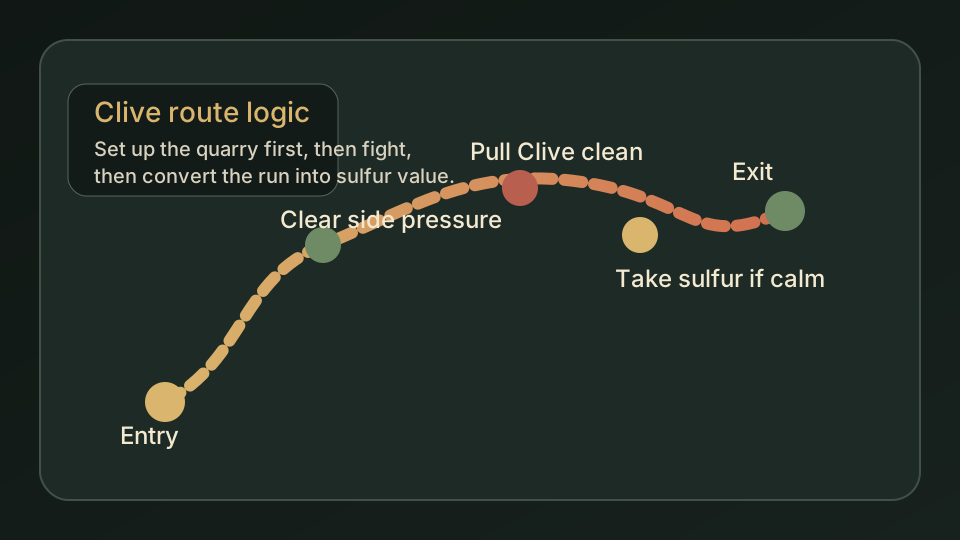
/assets/diagrams/clive-quarry-route.svg

The sketch explains the quarry entry, pull setup, Sulphur conversion, and safe exit logic.

Iron

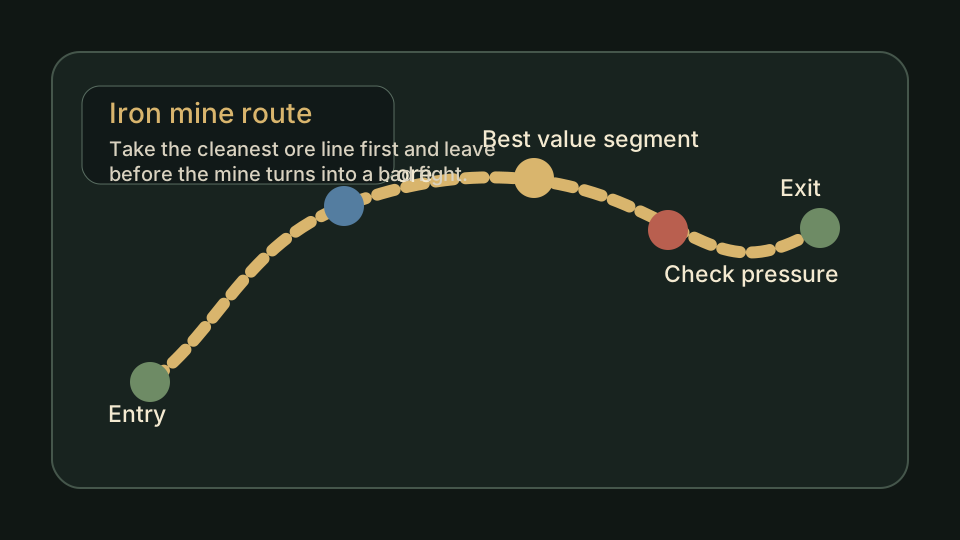
/assets/diagrams/iron-mine-route.svg

The sketch shows a cleaner mine loop and where the first ore value should come from.

Efficient Castle Layout

/assets/diagrams/castle-layout-flow.svg

The sketch explains the entry, storage, refining, crafting, and expansion buffer flow.

Boss Order

/assets/diagrams/boss-order-chain.svg

The sketch shows why one boss should lead into one clear unlock and then the next route.

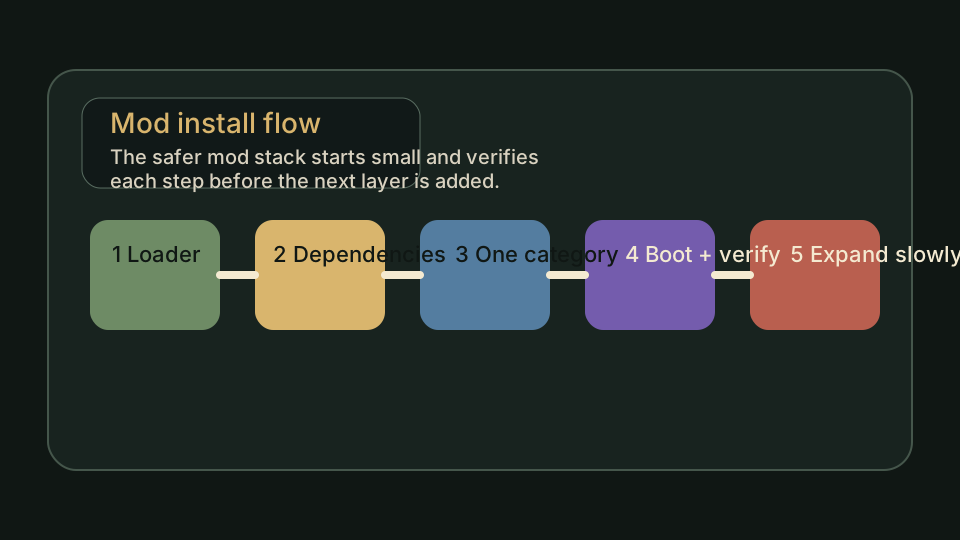
Mods

/assets/diagrams/mod-install-flow.svg

The sketch keeps the loader-first, dependency-first install path readable before real screenshots exist.

Tanner

/assets/diagrams/tannery-unlock-flow.svg

The sketch shows how the unlock turns into a Tannery, leather production, and a real next step.

These are useful because they explain the page better than text alone, but they still do not change the live screenshot count.

The six first-batch guides now also carry explicit Illustrative guide visual boundary labels beside their route or workflow diagrams, so readers can use the visuals without mistaking them for V Rising Forge gameplay proof.

Current visual review

How the Current Six-Page Visual Review Is Moving

This tracker turns the current six-page visual review into a visible public status: how many of the review-priority guides have started flipping live, which page should move next, and where the clearest public proof should land first.

What should flip the same day

The First Live Screenshot Should Change More Than One Number

The public trust win is not only the image itself. The screenshot should also trigger the visible state changes that tell a reader the visual layer is genuinely live, not half-connected.

What should move immediately

  • the matching guide slot should switch from pending to captured
  • the first image preview should appear on the guide page itself
  • the proof totals on this board should move above 0 connected
  • review-priority and live-proof filters should be able to surface the changed page

What should not be left behind

  • a screenshot file that exists but never appears on the public guide
  • a guide that looks captured while this board still says everything is pending
  • a visual that looks nice but does not prove the route claim the page names
  • a live image with no matching public change trail in the worklog
How to read the totals

Why the Proof Totals Differ

There are two counts because they answer different questions. The full roadmap counts every mapped visual or verification slot currently wired into the guide index: 18 guide pages and 54 planned slots. The first-batch tracker is the working queue: the first 6 review-priority guides and their 18 planned slots. Keeping both numbers visible makes it harder to make the site look more proven than it really is.

Page-by-page review state

The Current Six Review-Priority Guides at a Glance

This is the quick audit view: which page is still waiting, which file should be captured first, and which guide claim that image is supposed to verify.

Evidence roadmap

What the First Six Pages Still Need To Prove

This is deliberately practical. Before a screenshot goes live, the page should already know the file name, the claim it proves, and the mistake it helps a reader avoid.

Suggested file name

The first filename should be boring on purpose: short, numbered, and tied to what the image proves.

Shot title

The title should label the frame, not smuggle in the whole guide as a caption.

Why this proof matters

This keeps the screenshot from becoming decoration. Every image needs one clear trust gap to close.

File naming rules

Keep the names short, numbered, and literal. Use the route or object the image proves instead of trying to be clever.

Clive the Firestarter

Needs the clean quarry entry lane, the safer pull pocket, and the point where the run stops being a boss trip and starts becoming a greedy Sulphur overstay.

Why it matters: the first image should tell a reader where the route starts before the quarry pressure starts hiding the answer.

First frame: the quarry entry lane with the first obvious landmark in view.

Proves: the route starts where the guide says it starts, not one lane later.

Reader should confirm: the route really does begin from a recognizable outer-lane landmark instead of asking the player to guess inside quarry chaos.

Where to Get Iron

Needs the first useful ore segment, the short exit path that keeps the haul profitable, and the return moment that proves the upgrade is already paid for.

Why it matters: the page feels real only when the route shows the exact point where leaving still makes sense.

First frame: the first useful ore pocket plus the clean way back out.

Proves: one useful haul can already justify leaving instead of forcing a deeper mine clear.

Reader should confirm: the first useful ore pocket already pays for entering the mine and does not require a deep reckless push.

Efficient Castle Layout

Needs the compact early layout, the slow loop it fixes, and the room grouping that shows the base is fast to use rather than just tidy to look at.

Why it matters: a layout screenshot should prove walking distance, not just style.

First frame: the storage-to-refine-to-craft loop seen from the main traffic path.

Proves: the build works because the player uses it faster, not because it only photographs well.

Reader should confirm: the compact version truly keeps the repeat loop short enough to feel faster in normal daily play.

V Rising Boss Order

Needs one unlock chain, one support run that makes the next fight smarter, and one kill that would otherwise look good on paper only.

Why it matters: the image should show why this boss is the next useful stop, not just that it is available.

First frame: the next unlock chain with the payoff target in the same view.

Proves: the boss order follows value, not just level availability.

Reader should confirm: the boss choice leads into a visible next payoff instead of reading like a generic level-order list.

How to Unlock Tanner

Needs the unlock confirmation, the Tannery placement that fits the loop, and the prerequisite check that keeps the page from sounding magical.

Why it matters: this page should prove the station exists in a real save, not only in a menu description.

First frame: the build menu or station unlock confirmation before the player starts guessing.

Proves: the unlock is real and the next step is placement, not rumor.

Reader should confirm: the blocker is truly gone and the page is naming the same unlock the player should now see in game.

Best V Rising Mods

Needs the real plugin path, one mod-at-a-time install example, and the dependency check that keeps the setup honest after patches.

Why it matters: mod advice becomes trustworthy when the setup path is visible instead of implied.

First frame: the actual plugin folder path or loader setup screen.

Proves: the install path is concrete enough to copy without guessing the folder layout.

Reader should confirm: the install path matches a current real setup and is not borrowed from an outdated loader screenshot.
What can be added before screenshots

Original Diagrams Can Help, but They Are Not Screenshot Proof

When live gameplay screenshots are not ready, a labeled route diagram or flow sketch is still useful. The important thing is honesty: diagrams explain the thinking, screenshots verify the in-game claim.

Visual type Safe use What it cannot claim
Route diagram Show the logic of a Clive quarry route, Iron mine loop, Gloomrot Mucus loop, or map-planning path before a real in-game screenshot is captured. It cannot prove the exact current landmark, enemy pressure, or in-game UI state.
Castle flow sketch Explain room order, storage pressure, refining movement, and expansion buffers for layout pages. It cannot prove a live castle layout exists in a current save or server rule set.
Mod setup flow Clarify loader-first setup, dependency checks, one-category testing, and rollback thinking. It cannot prove a current file path, loader version, or post-patch compatibility state.
Checklist graphic Turn a guide decision into a short visual reminder, especially when the player needs to avoid one common mistake. It cannot replace an official source check, live gameplay check, or correction report.

The practical rule is simple: diagrams can explain the recommendation, while screenshots should verify the recommendation. The site can use both, but it should never blur those labels.

Official video references

Official Videos Add Game Context, But They Are Not Proof Slots

Video helps visitors see the game world, combat rhythm, and expansion presentation faster than text alone. The boundary is the same as official images: useful context, not V Rising Forge site-tested screenshot proof.

Proof boundary

Video can support trust, but it cannot replace a site-captured route screenshot

These official video cards are included so the visual coverage page is not only a dry checklist, and the local poster images prevent blank video frames when a visitor's browser cannot load YouTube embeds. They still do not move the connected proof count, because a proof slot must show the exact route, unlock, layout, or setup claim from a V Rising Forge guide.

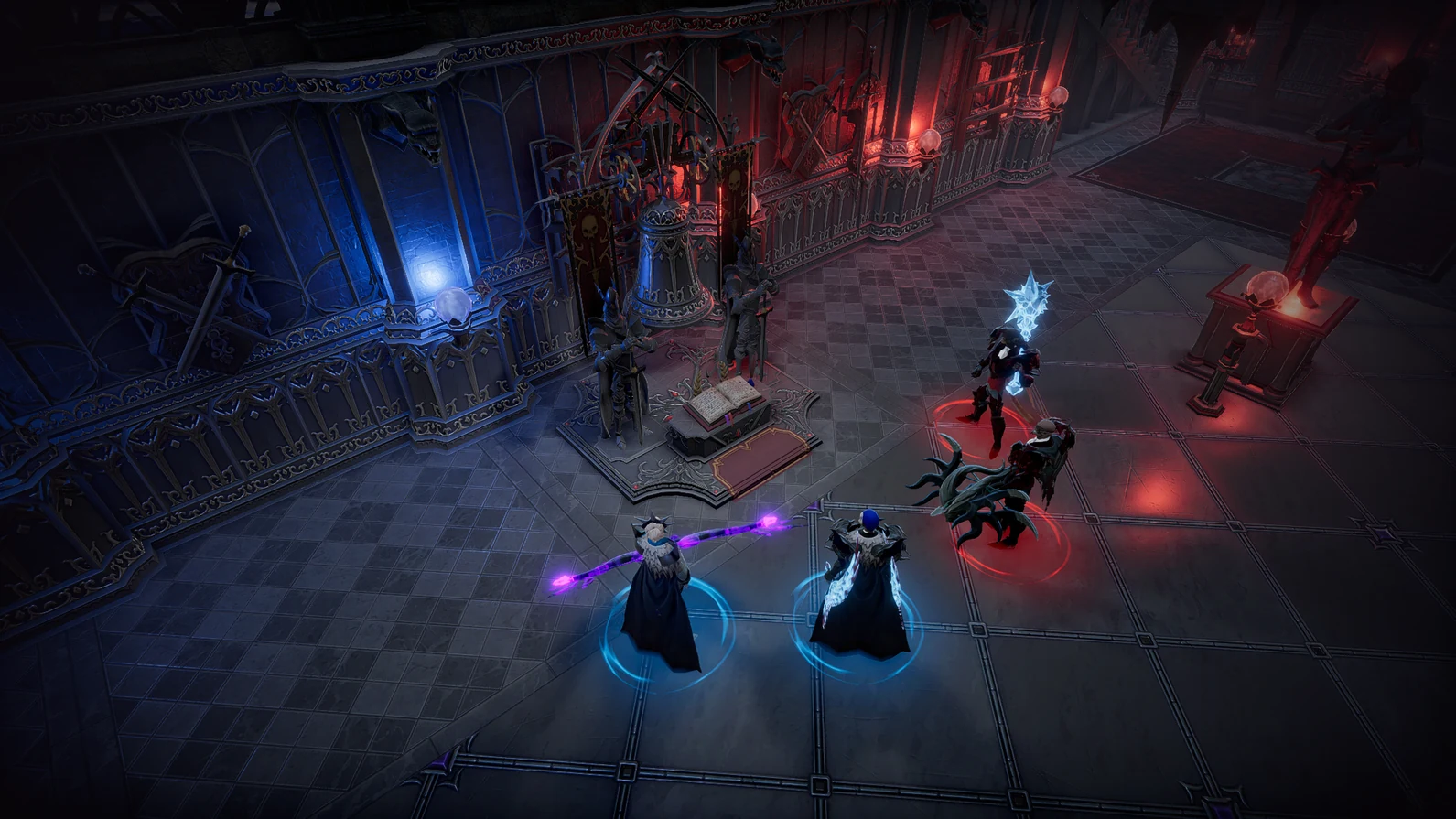
Official V Rising gameplay scene used as the launch trailer poster card Open official video source

Baseline gameplay reference

Official broad gameplay context for movement, combat, and early-session tone.

Source: official V Rising homepage
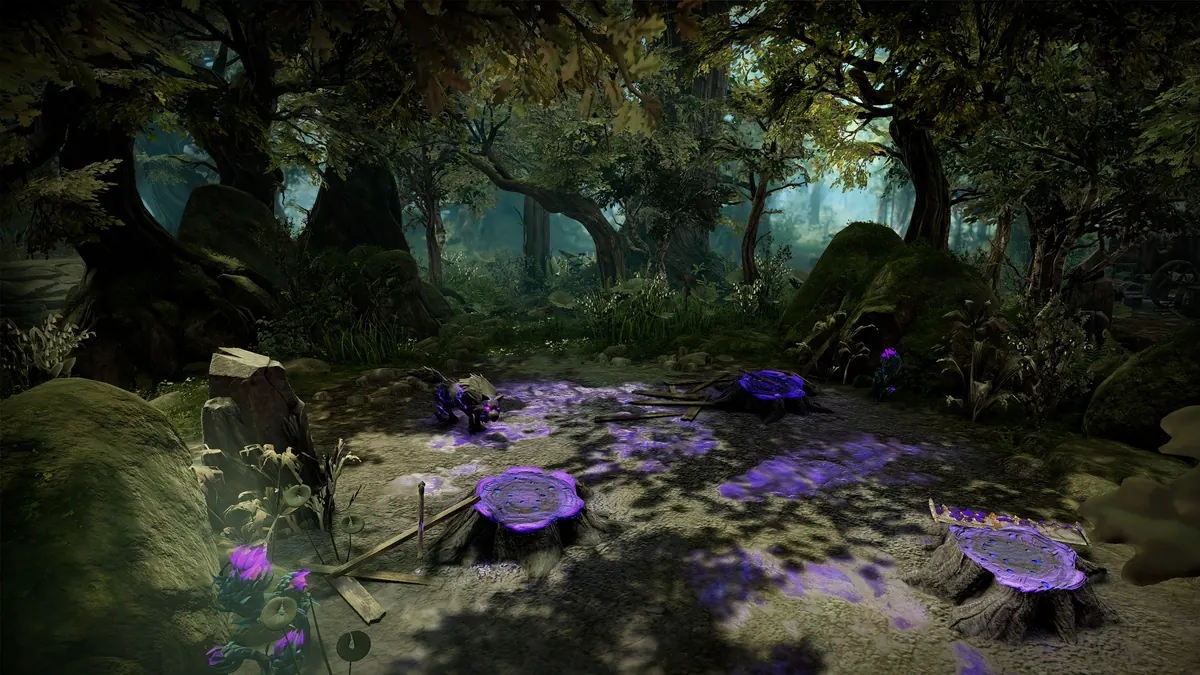
Official V Rising Oakveil forest scene used as the Oakveil gameplay trailer poster card Open official video source

Expansion-era gameplay reference

Official Oakveil context for current route atmosphere and outdoor pressure.

Source: official Oakveil page
Official visual references

Real V Rising Reference Images Are Separated From Site-Tested Proof

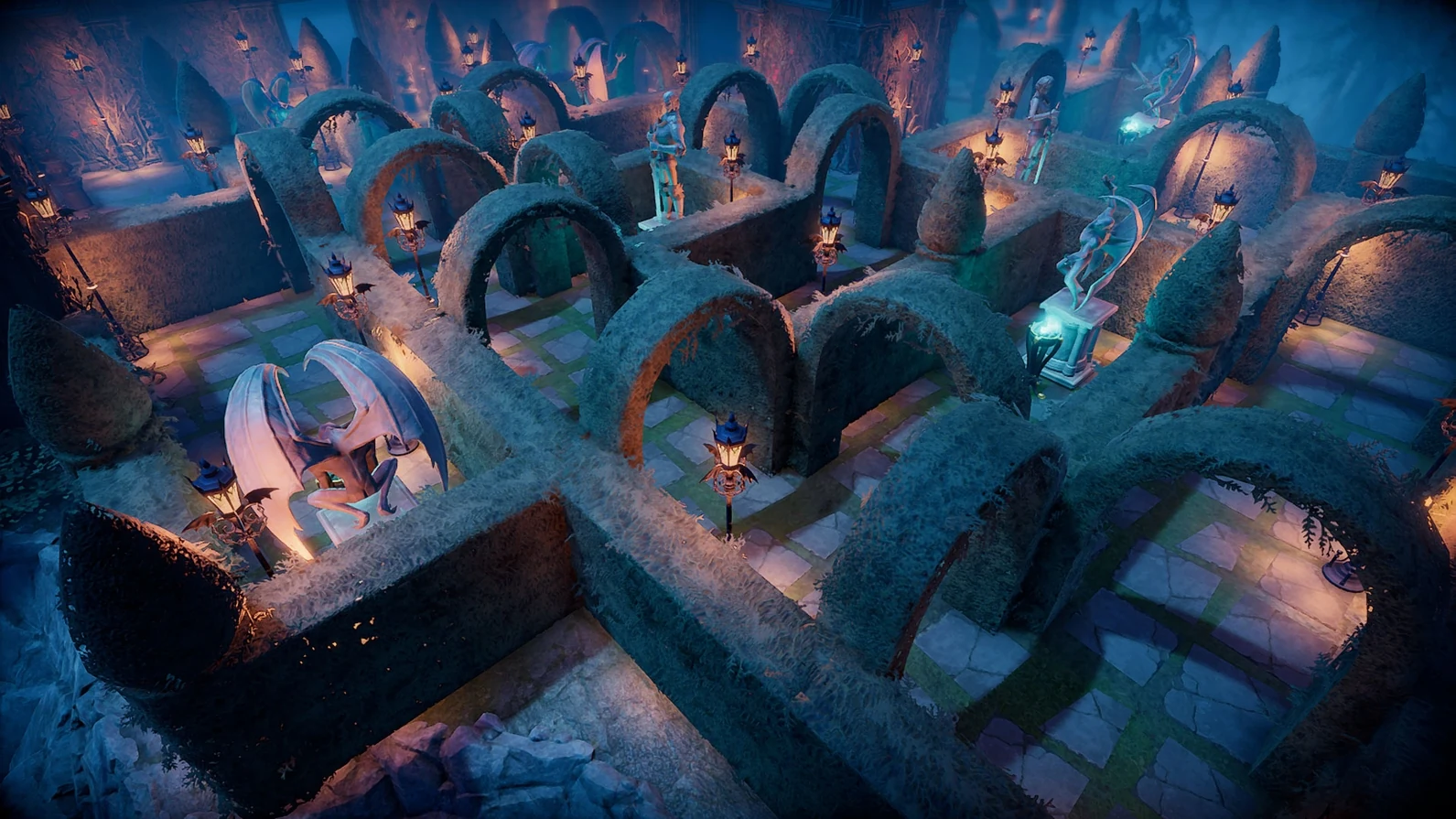
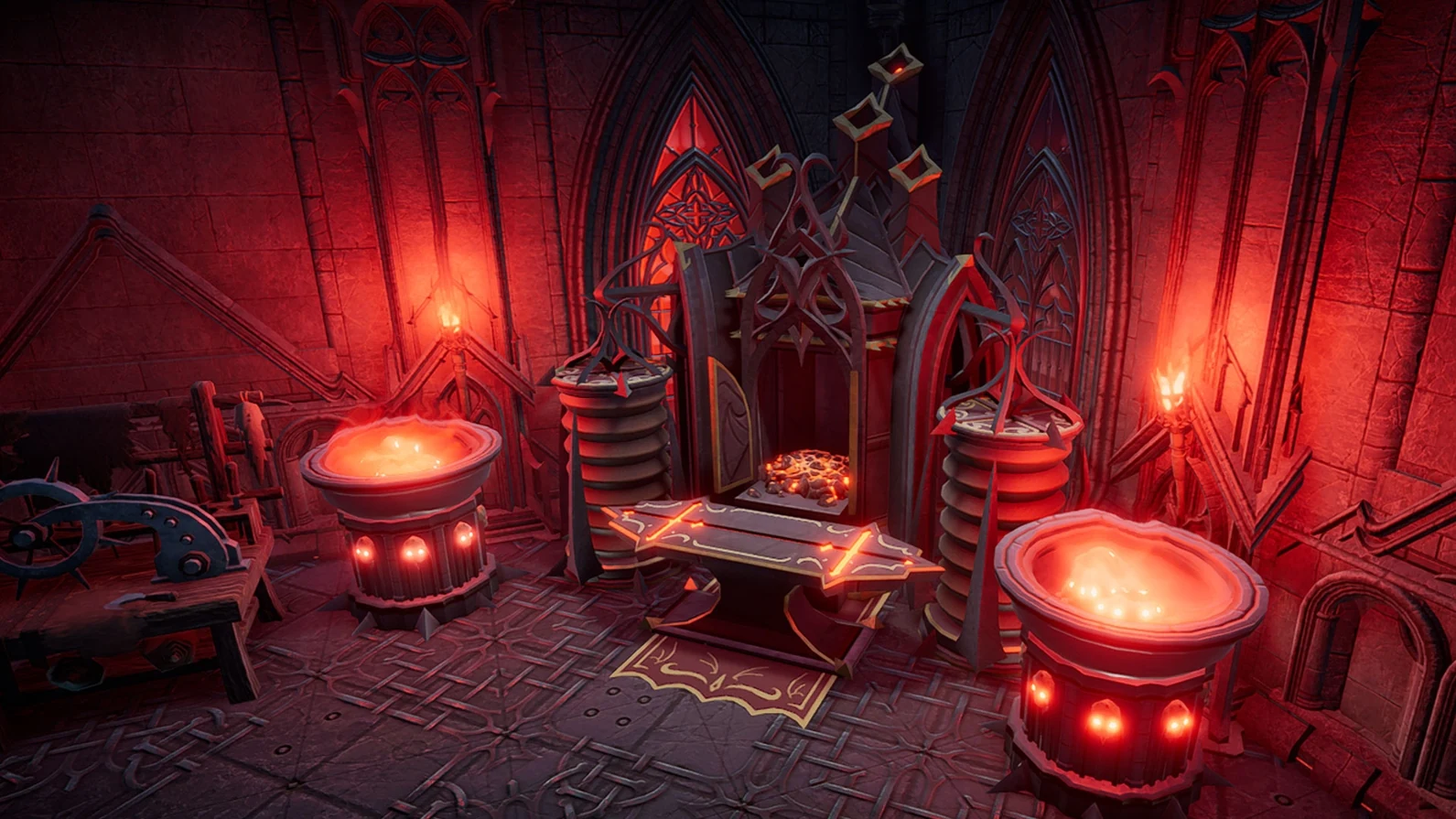
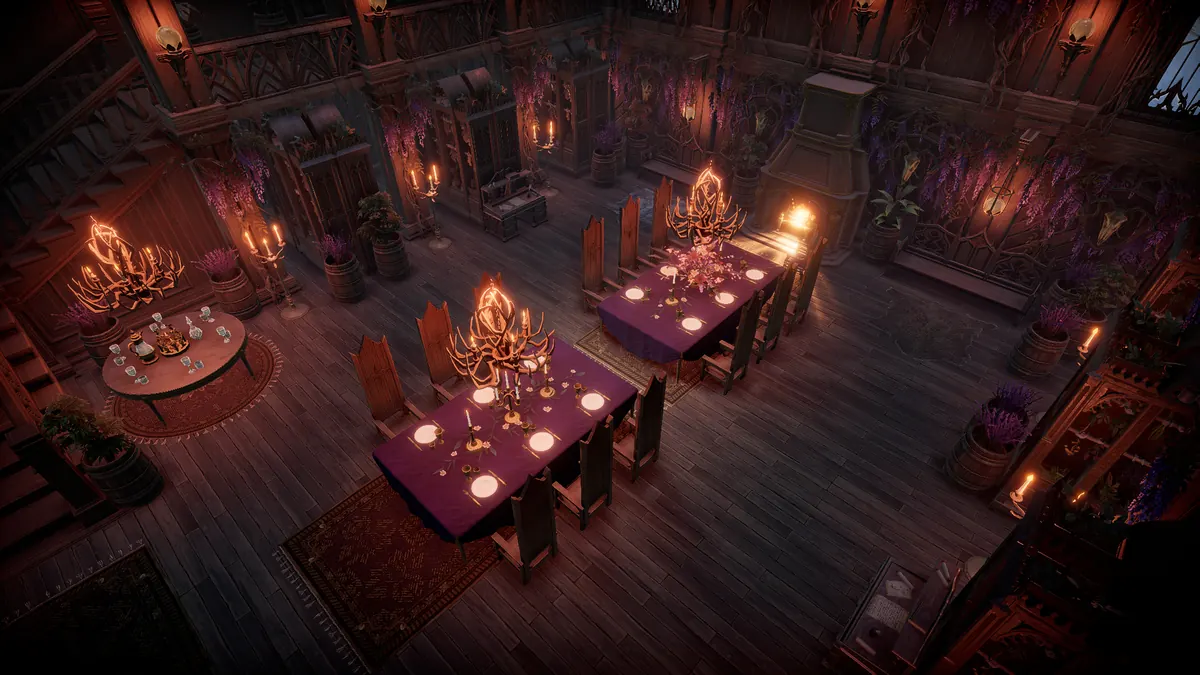
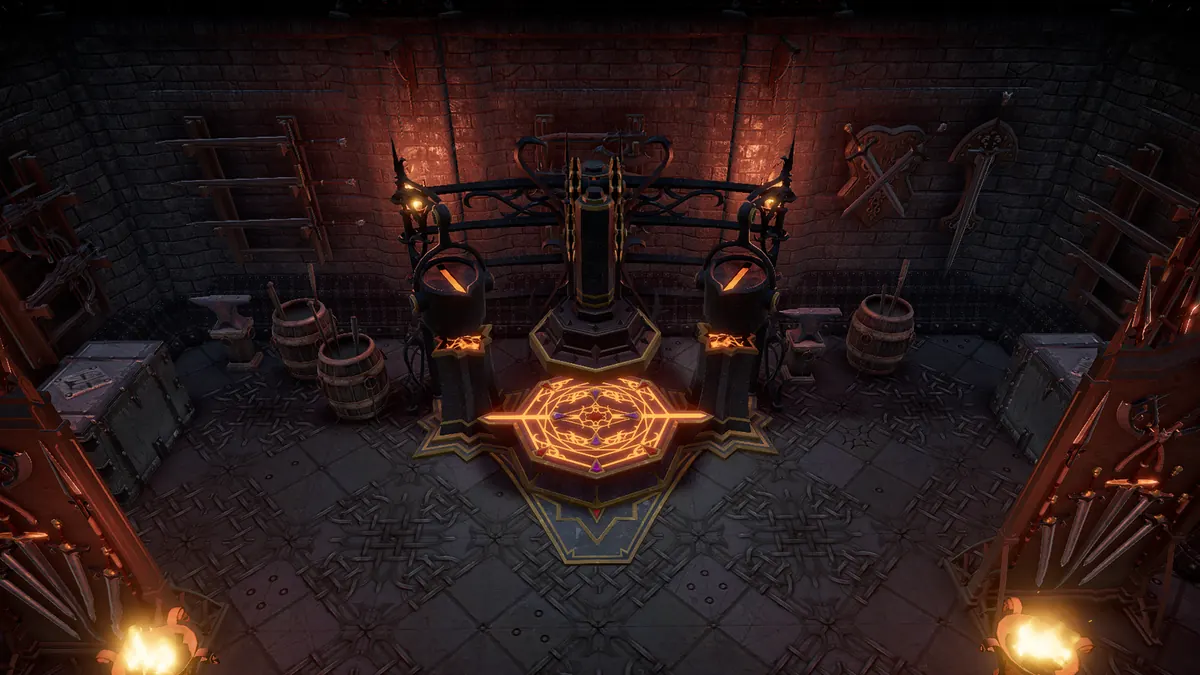
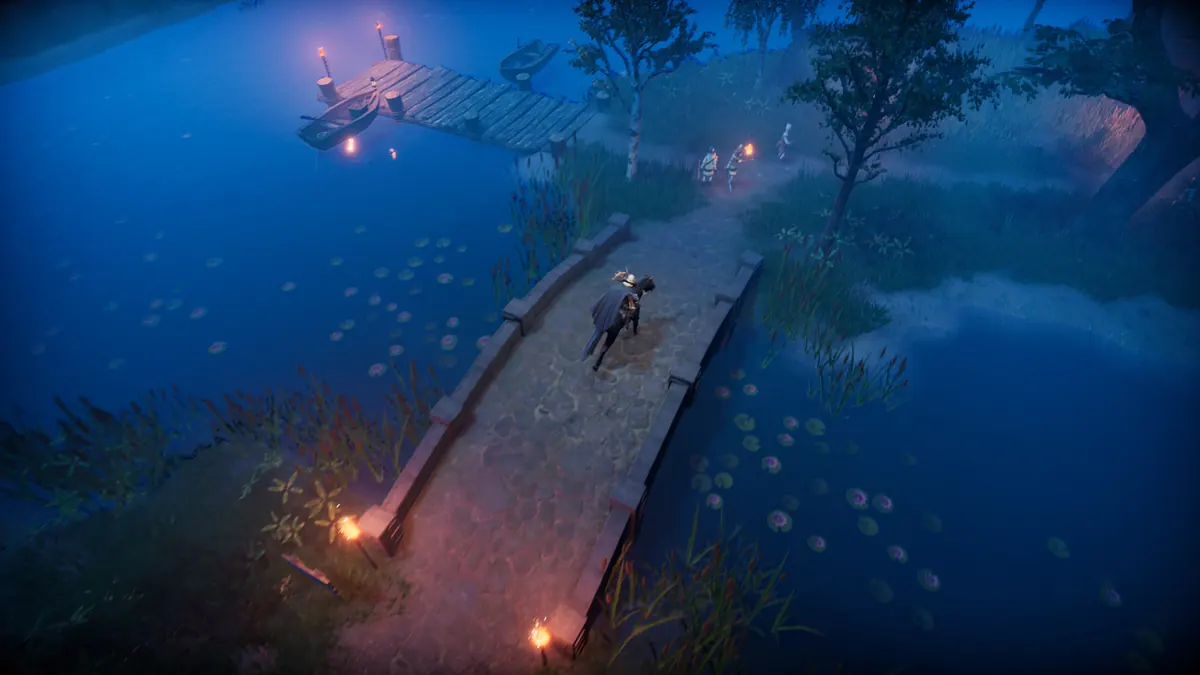
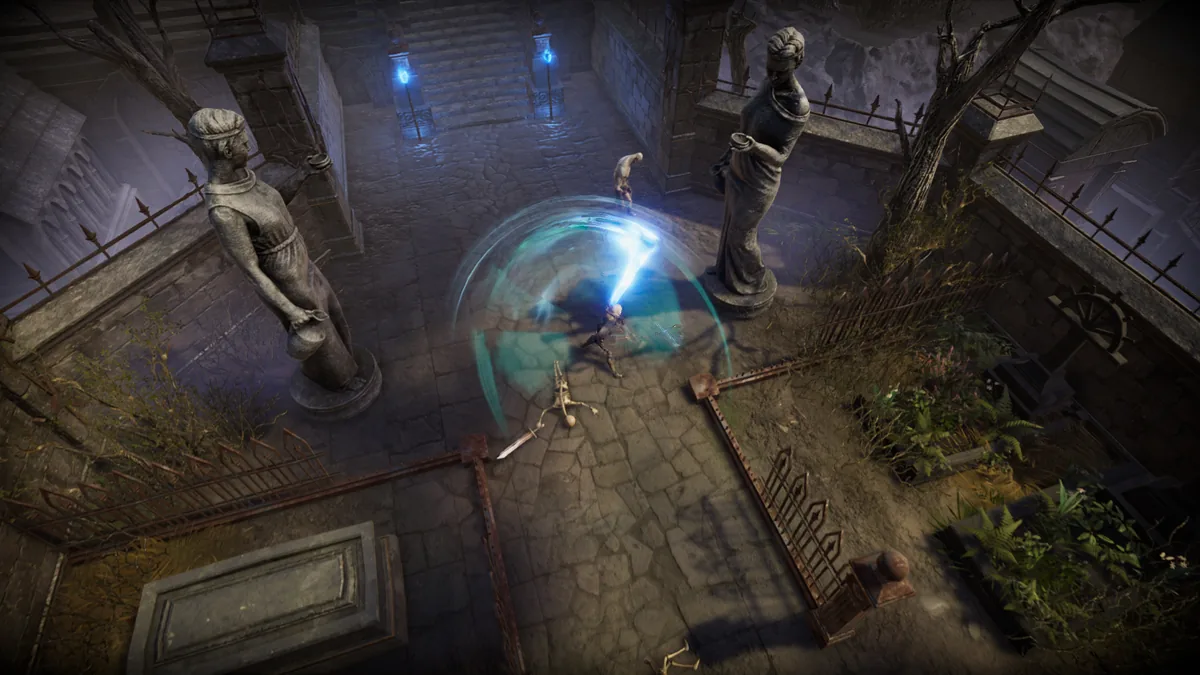
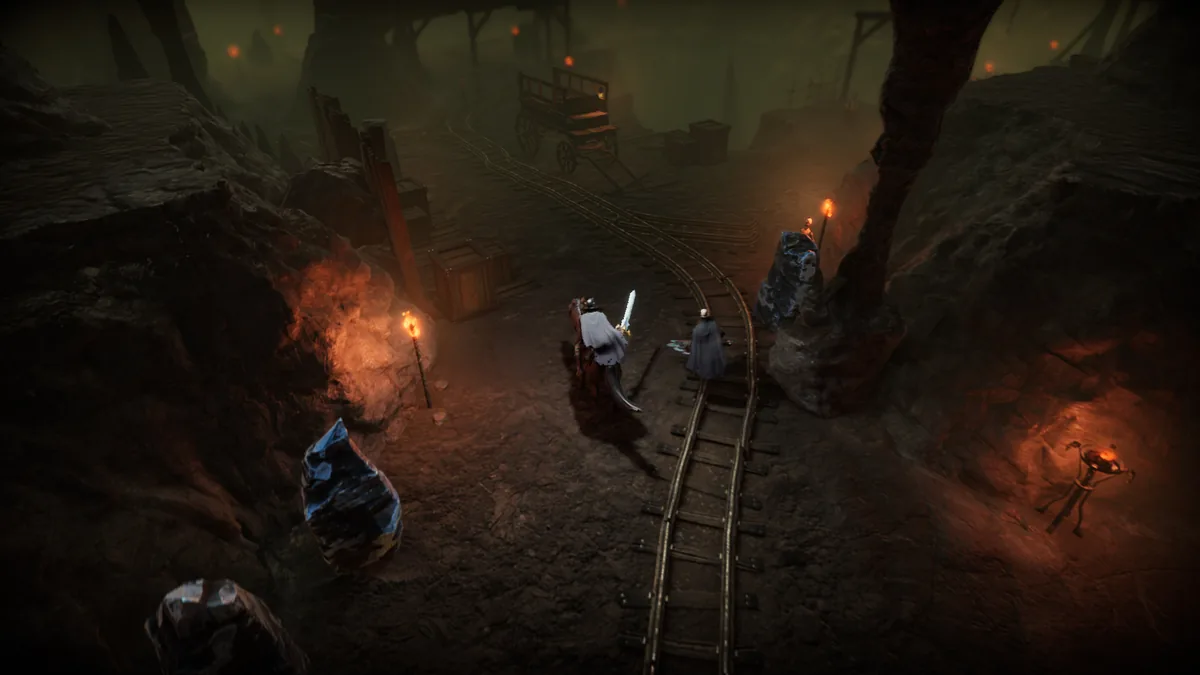
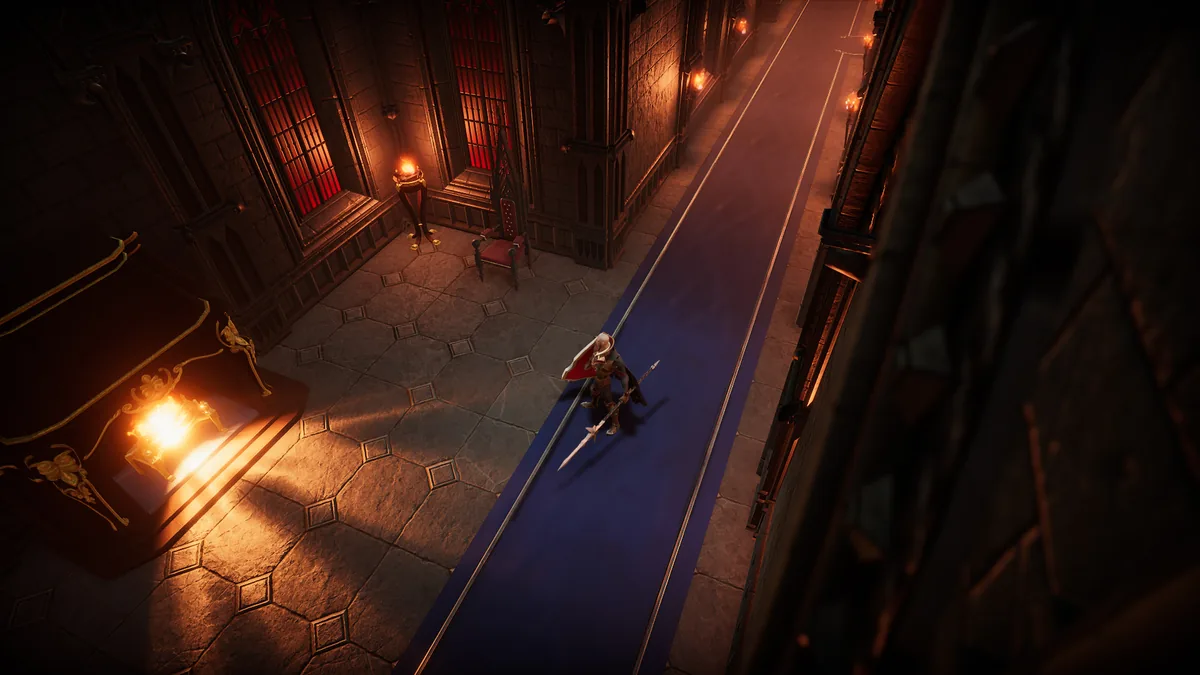
These images come from official V Rising / Stunlock public pages and help visitors recognize the game's look, combat space, castle style, and base interiors. They are useful visual context, but they are not counted as V Rising Forge live gameplay proof because they were not captured during this site's own route tests.

Trust boundary

Use these as reference images, not as completed screenshot slots

The connected proof count remains 0 of 54. A guide screenshot slot should only move from pending to captured after a site-owned gameplay screenshot appears in the mapped guide folder, on the guide page, on this Proof board, and in the public Worklog with a clear claim it proves.

After this board

Use This Page to Pick the Next Visual Check, Then Leave

This page works best when it helps visitors decide what to verify next, where to see recent site changes, and when to jump back into the actual guides instead of staying inside support pages too long.

Choose the next trust page

Proof should answer the screenshot question, then route you to policy, patch, or correction pages

Once you know whether a guide has live visuals, the next useful page usually depends on whether the remaining doubt is patch-based, editorial, or worth reporting publicly.

Site-wide totals

These counters come from the current guide index, so this page reflects the live visual structure instead of a manual summary that can drift.

Guides with visual checkpoints

18 guides already have visual or verification slots wired into the page structure.

Connected visuals so far

0 of 54 planned visual slots are connected right now.

Still in review

54 planned visual or verification slots are still waiting for real captures.

Guides already showing visuals

0 guides currently have at least one connected visual slot visible on the page.

Recent connected visuals

This block should become the fastest place to see whether the site is moving from planned visual checkpoints to actual visual confirmation.

Review-priority guides

These are the pages where one real image would shift visitor trust fastest because the visual would prove a route entrance, landmark, layout loop, or install step.

First upload order

If you only want the cleanest possible first visual pass, use this upload order before widening into second-wave pages.

Go-live checks

As soon as the first live image lands, use these checks to confirm the new visual state is surfacing in the right places across the site.

Shortest first pass

If You Only Want the Fastest Visible Trust Lift

These are the six screenshot drops that would make the public visual layer feel real the fastest without trying to finish every screenshot slot at once.

1. Clive

site/assets/screenshots/clive-the-firestarter-location/01-quarry-entry-lane.webp

Proves the page is built around a real quarry approach, not just a named location.

2. Iron

site/assets/screenshots/where-to-get-iron/01-first-ore-segment.webp

Proves the first useful mine segment and helps the guide feel like a practical first-loop page.

3. Mods

site/assets/screenshots/best-v-rising-mods/01-real-plugin-path.webp

Proves the install path is grounded in a real setup instead of only workflow text.

4. Efficient Castle Layout

site/assets/screenshots/efficient-castle-layout/01-early-compact-layout.webp

Proves the room-flow logic behind the efficiency recommendation in one frame.

5. Boss Order

site/assets/screenshots/v-rising-boss-order/01-unlock-chain.webp

Proves the page is built around one real bottleneck-to-unlock chain instead of a generic sequence list.

6. Tanner

site/assets/screenshots/how-to-unlock-tanner/01-unlock-confirmation.webp

Proves the exact unlock confirmation and removes the most common early leather confusion quickly.

Capture kits

Exact Screenshot Targets for the First Priority Pages

This is the practical handoff layer: exact filenames, expected folders, and which first image would change trust most quickly.

Second wave

Pages Already Set Up for Visual Review but Not in the First Group

These pages are the easiest second-wave upgrades once the first group starts flipping live and the page stops looking purely preparatory.

Active review

Which Useful Pages Are Still Being Tightened

This is the honest support layer: pages that are already worth reading, but still need screenshots, route checks, or another verification pass before they should be pushed harder.

Workflow

How a Screenshot Moves From Planned to Live

The point of this workflow is to make trust changes visible, not just to add media. A slot only changes state when the real matching file exists and the site rebuilds.

Step 1

Pick the page with the biggest trust gap

Clive, Iron, Mods, Efficient Castle Layout, Boss Order, and Tanner are still the best first targets because visitors can verify those claims visually very fast.

Step 2

Match the exact expected filename

Each queue card already exposes the exact filename the page expects. Once that file exists in the right folder, the slot connects automatically.

Step 3

Start with the first trust win, not every screenshot at once

The best first image usually proves the route entrance, landmark, layout loop, or install path that a skeptical visitor wants to match in seconds.

Step 4

Let the board update itself

Once a file is connected, article pages, search, the homepage, and this visual coverage page all begin reflecting the new live visual state automatically.