V Rising Forge Pages and Quick Links
Reviewed on August 17, 2026. Use this page when you want the shortest route to the right part of the site. It is a human-built index, not a keyword shell.
Use this when
Use V Rising Forge Pages and Quick Links when the broad pages question is still too wide and the reader needs one clearer next click from this exact section.
Quick answer
On V Rising Forge Pages and Quick Links, start with the current player problem, then open the linked guide, tool, or database lane that answers this section most directly.
Stop when
Leave V Rising Forge Pages and Quick Links once the next practical page is obvious; the specific guide should carry the detailed route, proof status, and follow-up.
Jump to the page type you actually need
These links are grouped by what a reader wants to do, not by where the page happens to live in the folder tree.
Home
Return to the front page if you want the current site state, proof summary, and the fastest route into the rest of the hub.
Start Here
Use the blocker-first planner when the save is noisy and you need the right first click.
Help
Open the help hub when you are stuck but still cannot name whether the issue is route, patch, setup, or one wrong page.
FAQ
Use the short-answer FAQ when you want the fastest first answer before committing to a full guide.
Download
Use this when the question is really about official links, platform routing, or the cleanest next step after installation.
Common Problems
Open this when a guide and your actual save do not line up cleanly because of patch drift, server rules, route pressure, or setup mismatch.
Database
Use the database when you already know the topic and want the site to narrow the right guide or tool faster.
Resource Route Map
Open this when the material is known but the route, return timing, and payoff still need a cleaner decision.
Boss Route Map
Open this when the boss is known but approach safety and unlock payoff still need a route layer.
Blood Types Wiki
Open this when Worker, Warrior, Brute, Rogue, Scholar, or Creature blood needs to match the next session job.
Weapons Hub
Open this when weapon direction, stage fit, or upgrade timing is the real blocker.
Recipe Paths
Open this when materials, stations, and gear upgrades need one practical production path.
Community and Corrections
Open this when one correction, proof lead, route note, or maintenance suggestion needs a clear path.
Workstation Database
Open this when the blocker is a station unlock, production chain, or deciding what a material should actually build next.
Recipes Database
Open this when the blocker is a crafting chain, recipe payoff, or deciding whether another material route is actually worth doing.
Recipe Chain Planner
Use this when the recipe chain is known, but the next useful link still needs to be chosen.
Gear Database
Open this when weak damage, armor pressure, or upgrade timing is the real player problem.
Progression Database
Open this when the question is which system should come next, not which page matches the current item name.
Tools
Use the tools hub for repeatable planning, route comparison, and session checks.
Worklog
Open the public maintenance trail when you want the actual recent-change story instead of a generic update label.
About
Read the editorial policy when you want to know how guides are judged and why some gaps stay visible.
Contact
Use the correction path when one specific claim, route, or label still looks wrong.
Three visual shortcuts to the pages people use most
These visuals are site context only. They help the index look and feel like a maintained product page without pretending to prove a route on their own.
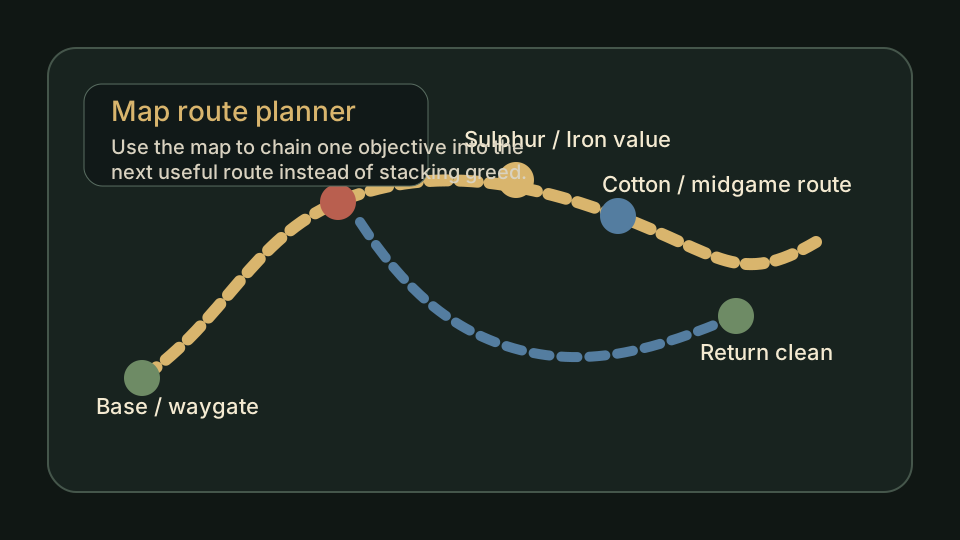
Map route planner
Best when the blocker is a trip shape, a return path, or one useful route chain.
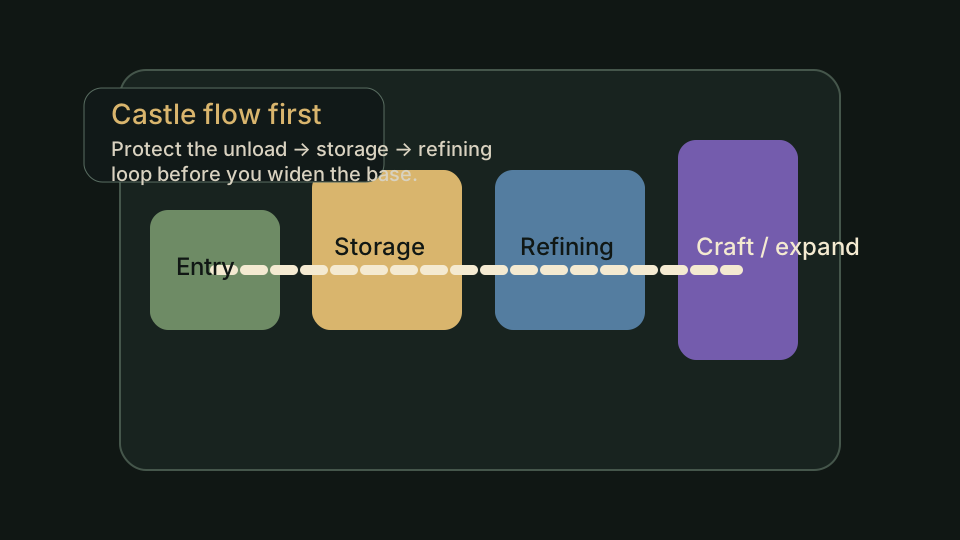
Castle layout flow
Good for readers who need a usable home loop instead of a pretty but slow base.
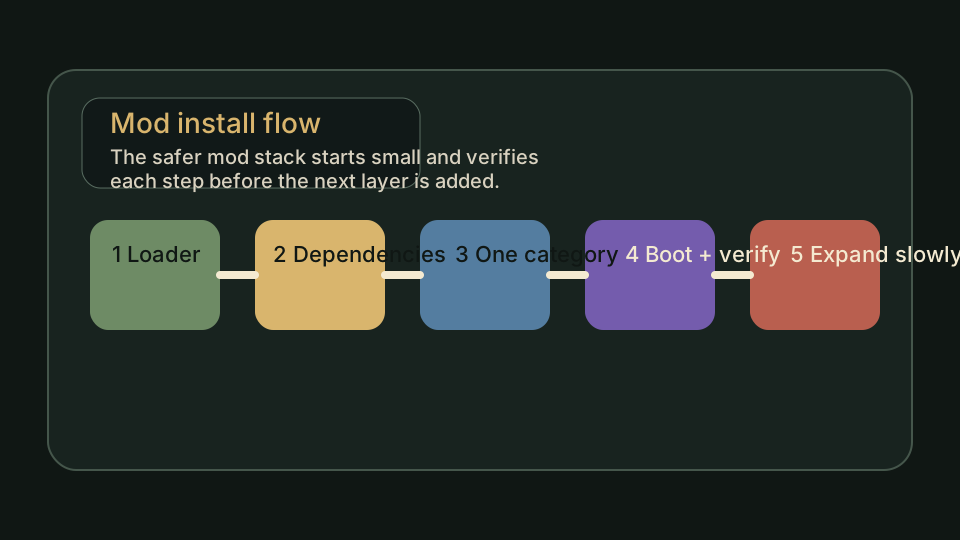
Mod install flow
Useful when a patch-sensitive install path is the real next click.
How to use this index without turning it into another browse session
These notes keep V Rising Forge Pages and Quick Links practical. It should help a reader choose the next useful page, not simply browse more links.
Pick one page, then leave
The point of a page index is to get you to the right place faster. Once the target page is clear, move on instead of reading the directory like an article.
Use trust pages when the question is honesty
If the doubt is about corrections, policy, maintenance, or whether the problem is really outside the guide layer, go to Help, Worklog, About, or Contact instead of staying in the route pages.
Treat support pages as part of the product
A real guide site is easier to trust when it shows the route, the evidence boundary, and the maintenance trail in public.
Come back here when you feel lost again
If a page does not solve the blocker, return to this index or Start Here and choose a narrower route on the next pass.
Which Path Should You Open First?
Use this table when two paths both sound plausible on V Rising Forge Pages and Quick Links. The better first click is the one that matches the current player problem for this page.
| Current problem | Open first | Why |
|---|---|---|
| You just landed and need a route | Open Start Here | It sorts the site by blocker instead of by menu label. |
| You are stuck but cannot name the blocker yet | Open Help | The help hub separates route problems, patch drift, source checks, and true page errors. |
| You want the shortest first answer | Open FAQ | The FAQ is built for high-intent first answers, then hands you off to the right fuller page. |
| You need official links or platform help first | Open Download | That page is better for source and install routing than a normal guide hub. |
| A page sounds right but your live save disagrees | Open Common Problems | That support page helps separate patch drift, route pressure, server rules, and actual guide errors. |
| You know the topic and want the right page fast | Open Database | The database narrows the next useful guide before you read too much. |
| You know the save is blocked by a station or upgrade | Open Workstation / Gear Database | These lanes connect production and equipment pressure to the right boss, material route, or planning tool. |
| You know the save is blocked by a crafting chain | Open Recipes Database / Recipe Chain Planner | They help decide whether the next answer is a material run, station unlock, gear target, or progression page. |
| You know the save is blocked by sequencing | Open Progression Database | It helps name the next system that should unlock before you spend time on broader routing. |
| You want calculators, planners, or route checks | Open Tools | The tools hub turns one problem into a repeatable next step. |
| You want the maintenance trail | Open Worklog | The public log shows what changed and why. |
| You want policy, edits, or corrections | Open About / Contact | These pages explain how the site is maintained and where to report a specific issue. |
What This Hub Does Not Claim
This topic hub is a routing layer. It helps visitors choose the right existing guide, but it does not replace page-level route checks, proof status, patch caution, or future real screenshots.
Use V Rising Forge Pages and Quick Links for orientation, then leave it once the next practical page is obvious. If the player can already name the material, boss, castle friction, travel problem, or setup issue, the better answer is usually the linked guide with page-specific checks, not more browsing inside this hub.
If a linked guide has planned proof slots, that guide still decides what must be tested before a screenshot becomes V Rising Forge site-tested proof.