V Rising Start Here Route Planner
Reviewed on August 18, 2026. Use this page when you are on the site but still do not know which guide should be your first click. The goal is to route players by the problem they actually have: progression confusion, a named material, a messy return path, a castle-flow issue, or a patch-sensitive setup question.
Use this when
Use this page when the save feels noisy and the player needs one first guide instead of a full menu tour.
Quick answer
Start with the in-game friction, then use the cards and decision rows to choose one specific guide, tool result, data row, patch check, or correction path.
Stop when
Stop here once the next action is specific enough to do in play: one specific guide, tool result, data row, patch check, or correction path.
Choose by Current Blocker, Not by Menu Label
A good guide site should reduce decision friction. Pick the card that matches what feels wrong in the current save, then leave this planner and open the most specific guide.
I just started or returned
Use the beginner guide when the whole save feels noisy and you need one practical first route instead of twenty disconnected tips.
I do not know which boss matters next
Use boss order when the real question is unlock value, not a boss location pin.
I found a marker but still need a route
Use the map hub when the problem is planning a trip, return path, or nearby chained value instead of simply knowing where something is.
I know the material name
Use Resources when the material is already clear and the remaining question is route shape, risk, leave-now timing, or what the haul buys.
The base is wasting every run
Use Castle when the route succeeds but unloading, refining, storage, servants, or room flow still makes progress feel slow.
Something changed after a patch or setup change
Use Updates when the issue may be patch-sensitive, mod-sensitive, or dependent on a current official source check.
I know what changed but not what to trust next
Use Patch Recheck Planner when a patch, server-rule shift, or mod update changed the save and you need the right guide area to verify before repeating a route.
The whole save feels stuck
Use Progression Bottleneck Checker when the lane is still unclear and you need to separate boss order, production pressure, route weakness, and home-loop friction.
The stash is not empty but progress still feels slow
Use Workstation Bottleneck Checker when the real block may be station timing, material feed, castle flow, or poor conversion after a run.
The guide sounds right but my world feels different
Use Server Rule Fit Checker when PvP rules, teleport limits, boosted rates, or modded settings may be changing which page should come first.
A few route diagrams that make the first click easier
These diagrams are visual context only. They help the planner feel grounded in the game world without pretending to be site-tested proof.
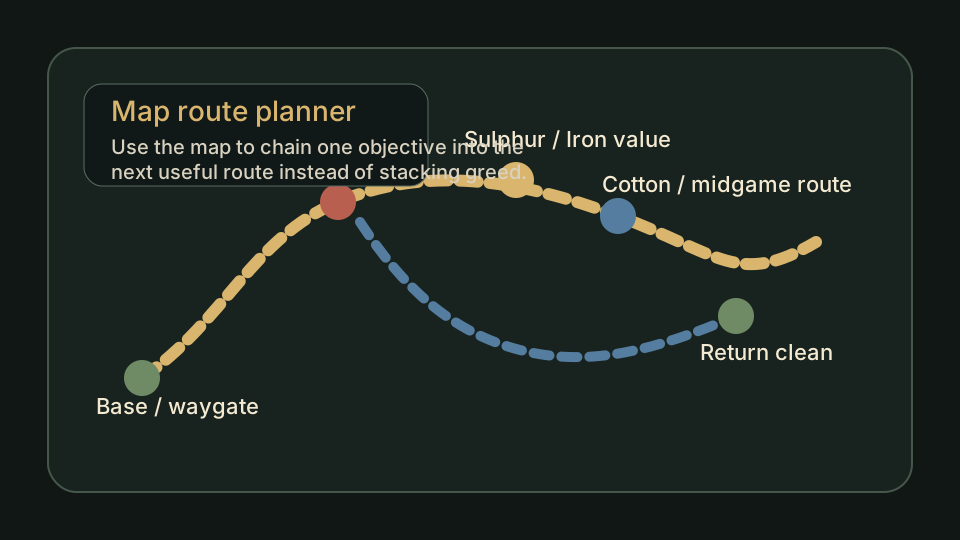
Map route planner
Use this when the blocker is really about route shape, not just a single named pin.
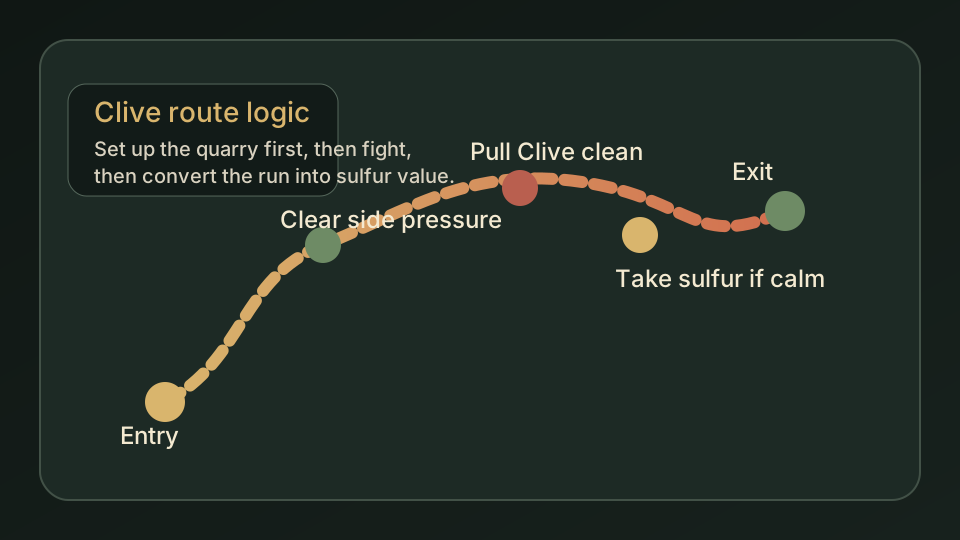
Clive quarry route
A cleaner early-game example of how a boss page turns into a route decision.
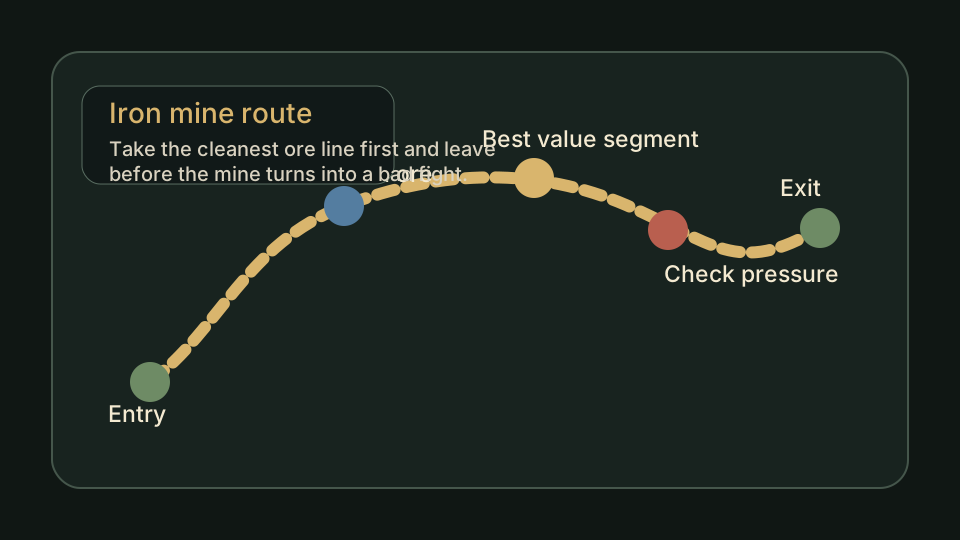
Iron mine route
Shows why the right next page often depends on the return trip, not only the pickup spot.
How to Use the Planner Like a Player, Not a Search Bot
Read these notes as a small filter for V Rising Start Here Route Planner: they should turn the current uncertainty into one usable next action, not a longer tab pile.
Write the blocker in one sentence
Before clicking anything, reduce the problem to one sentence: 'I need Iron but keep dying on the return,' 'I do not know which boss unlock matters,' or 'my castle is too slow after every farm run.' That sentence usually reveals the best first page.
Prefer the narrow page once the problem is named
This planner is only useful while the problem is still blurry. Once the blocker has a name, go to the specific guide and use its save check, route table, proof boundary, and next-step links instead of browsing more hubs.
Use proof status as a trust signal
A page can still be useful before live screenshots exist, but it should be honest about the gap. If the advice affects a route, layout, or install path, check whether the page has connected proof, planned proof, or only editorial guidance.
Do not force a guide that does not match the save
If a linked guide sounds right but the save is not ready for it, pivot sideways. Progression pages, resource pages, map planning, and castle fixes are meant to hand off to each other instead of trapping the reader inside one lane.
Which Path Should You Open First?
Use this table when V Rising Start Here Route Planner creates more than one plausible handoff. Pick the row that matches what actually failed in the save, then leave for that next action.
| Current problem | Open first | Why |
|---|---|---|
| The whole save feels unclear | Open Beginner Guide | Broad confusion needs a route, not one narrow keyword page. |
| You know the boss but not the reason | Open Boss Order | Boss pages help most when the reward clearly changes the next step. |
| You know the item but keep wasting runs | Open Resources | Material searches need route discipline, return timing, and payoff checks. |
| You reach places but getting home feels bad | Open Map or Waygate guide | The blocker is probably travel logic, inventory restrictions, or base distance. |
| Materials get home but do not turn into progress | Open Castle or Progression | The real issue may be station flow, crafting priority, or a missing unlock. |
| A patch, server rule, or mod changed the situation | Open Patch Recheck Planner | That tool turns the change into a practical verification order instead of asking you to guess which older advice is still safe. |
| A page sounds useful but lacks live screenshots | Check Proof or Review Queue | Planned visuals are honest placeholders until real gameplay images are connected. |
What This Page Should Leave to the Focused Guide
This page should help when the save feels noisy and the player needs one first guide instead of a full menu tour. It can compare player situations, tradeoffs, and handoffs, but it should not pretend to verify every connected claim by itself.
Use V Rising Start Here Route Planner until the next action is clear enough to leave for one specific guide, tool result, data row, patch check, or correction path. The linked guide or tool should carry the practical details once that handoff is obvious.
Planned screenshots, official reference media, and editorial diagrams should stay labeled as context until a site-owned gameplay capture proves the exact claim being discussed.