Fast progression answer
Use Waygates for positioning, scouting, boss attempts, and returning to regions quickly. Do not rely on them as your only plan for resource-heavy farming unless your server settings allow the items you carry to be teleported.
For most normal runs, the best travel plan is simple: teleport or ride out when you are light, farm with a clear return route, then bring materials home through a path your base can actually support.
Players who waste time traveling, get confused by teleport restrictions, or need a cleaner waygate-to-base route plan
Beginner to midgame
6 minute read
Use fast travel for positioning, then plan resource-heavy returns around your base, exits, horses, caves, or server settings.
Use This Page Like a Bottleneck-First Decision Tool
What this should solve
This page is strongest when this sounds like you: Players who waste time traveling, get confused by teleport restrictions, or need a cleaner waygate-to-base route plan.
What progress looks like
Use fast travel for positioning, then plan resource-heavy returns around your base, exits, horses, caves, or server settings.
When to switch paths
If the current path still feels too heavy (beginner to midgame) or patch-sensitive, jump to the broader progression route and re-check the real bottleneck.
If a patch changed this route or unlock, check the Updates hub before forcing the same path.
Read the Result Like a Real Decision
Input
faq: the blocker, the current stage, and the system that feels most stuck.
Output
faq: one unlock path, one supporting system, and one thing to stop farming now.
Fallback
If the blocker in faq is really a sub-system, open the matching boss, resource, or castle page first.
Example 1
faq — you feel active in the save, but nothing important is moving forward.
Example 2
faq — the page should identify which system is actually blocking progress.
Example 3
faq — if the blocker is smaller, jump to the matching boss, resource, or castle page.
If you only do one thing
Before starting a long farming run, decide whether the trip is a teleport trip or a haul-home trip. If the goal is boss prep, scouting, or reaching a region, a Waygate can be perfect. If the goal is bringing back ore, cloth materials, or other restricted loot, plan the return path first.
Use This Guide Like a Maintained Resource
Use this guide when
understanding why some inventories may not teleport on your current server
Quick answer
faq starts with the answer box because the page is meant to solve one current blocker first, not make you read the whole thing to find out whether it fits.
Step-by-step route
Follow the route sections on faq in order, and stop as soon as the next named action is clear enough to use.
Stop when
Stop when the named blocker is solved and the next bottleneck is clearly a different system.
Common mistake
Do not force the next listed unlock if the real blocker is gear, material feed, or castle flow.
What to do next
Use fast travel for positioning, then plan resource-heavy returns around your base, exits, horses, caves, or server settings.
Verification / review status
Decision-first guide. Check the verification box before treating patch-sensitive details as final.
Related tool
Open Progression Bottleneck Checker when faq leaves you with a decision you may need to make again.
Related wiki page
Open Progression Systems Wiki when the system-level context behind faq still matters.
faq keeps this task map visible so the reader can see the guide's scope, limits, and next step without guessing where the useful part ends.
What This Fast Travel Guide Is / Is Not
Use this page to decide whether a trip should be a teleport route, a ride-home route, or a base-location problem.
Use this guide for
- understanding why some inventories may not teleport on your current server
- planning boss, scouting, and resource routes around Waygate strengths
- deciding whether your castle location actually supports the return path
Do not use it for
- a full map of every travel node
- admin-only server configuration advice
- a promise that every server uses the same teleport restrictions
Before You Start a Long Trip, Check These Three Things
Fast travel only helps when it matches the job of the trip. Check these before leaving the castle.
You know whether this is a light trip or a haul
Ready when: The trip is clearly for bossing, scouting, positioning, or bringing materials home.
If not: Name the trip type first; the right travel answer changes once the inventory fills up.
The current server rules are understood
Ready when: You know whether the items you plan to carry can teleport on this world.
If not: Check the rule in practice before building the whole route around a shortcut.
The return path is already believable
Ready when: If teleporting fails or is restricted, you still know how the haul gets home.
If not: Shorten the route, choose a closer goal, or use a base-location page before committing.
Waygate vs Ride-Home Decision Table
Use this table when the map route looks short but the inventory, server rule, or return path changes the best travel choice.
| Trip situation | Best travel plan | Avoid this | Good result |
|---|---|---|---|
| Light boss or scout trip | Use a Waygate to cut the empty travel and reach the region faster. | Bringing a farming inventory into a trip that was supposed to stay light. | You arrive quickly and still know the follow-up after the boss or scout check. |
| Material-heavy farming run | Check teleport restrictions first and plan the physical return route before farming wide. | Assuming the gate will bring every material home on every server. | The haul gets banked cleanly even if teleporting is not available. |
| Choosing a new base plot | Judge both outbound convenience and resource return comfort. | Calling a plot good only because a gate is nearby. | The base supports repeated runs, not only one fast outbound shortcut. |
| Different server behavior than expected | Treat the world settings as the source of truth and adjust the route. | Assuming every guide should match every private server rule. | You understand whether the issue is the route, the setting, or the expectation. |
Fast Travel Notes That Prevent Bad Hauls
Use these before turning every trip into a teleport question. Waygates are strongest when the route has a clear job.
Teleport out light, plan the haul home
A Waygate can be perfect for reaching a region. That does not mean it is the right return plan once the inventory is full of materials.
Server rules matter
If a guide sounds different from your save, check the world settings before assuming the route advice is wrong.
A nearby gate is not a full base plan
Good base location still depends on repeated resource returns, boss routes, and the daily castle loop, not only the nearest shortcut.
Check This Guide Against Your Own Save
Use this as a practical save check first, then compare patch-sensitive details with the Updates hub if something feels different in-game.
If the check passes: Use fast travel for positioning, then plan resource-heavy returns around your base, exits, horses, caves, or server settings.
| Check | Good sign | Send a correction if |
|---|---|---|
| Current bottleneck | The page solves the actual thing blocking your save, not just the nearest available activity. | The recommended order no longer matches the unlock chain players actually hit. |
| Gear readiness | Your gear, blood quality, and consumables make the next step realistic instead of forced. | The page sends players into a step that now needs a higher setup threshold. |
| Next handoff | After the step is done, the next useful guide or material route is obvious. | The page ends without pointing to the next practical blocker. |
If you spot a changed route, unlock, material source, castle rule, or mod dependency, send the exact detail through the guide correction form so the page can be corrected with a specific example.
How This Guide Was Checked
This page is reviewed as a practical V Rising guide, not as an official database entry. The current check focuses on unlock order, bottleneck fit, and whether the next step actually moves the save forward.
Editorial review
August 29, 2026. This date means the page wording, routing, and usefulness were checked; it does not mean every screenshot slot is already live.
Gameplay version status
Editorial route logic has been reviewed, but live patch verification is still pending. Compare patch-sensitive details with the Updates hub before treating the page as a current-patch reference.
Visual proof status
0 of 3 planned visual or verification checks are connected. The page does not pretend planned screenshots are already live.
Correction path
If one route, unlock, material, layout, or mod detail changed, send the exact claim through the guide correction form.
Current review focus: Next screenshot target: Capture a light outbound Waygate trip.
Patch check: use Updates if the guide started feeling wrong after a visible game update. Use About if you want the broader editorial standard behind review dates, proof gaps, and delayed thin pages.
Fast travel in V Rising is useful, but it is easy to misunderstand. New players often assume a Waygate is a simple "go home with everything" button. Then they reach a gate with a bag full of materials and discover the real travel problem is not only distance. It is what you are carrying, where your base is, and whether your server settings allow the shortcut you expected.
This guide is here to make Waygates practical. It explains when teleporting saves time, when it creates a resource problem, and how to build routes that still work when you cannot teleport with the loot you came for.
What Waygates are best at
Waygates are strongest when they reduce empty travel, not when they replace all travel.
Use them for:
- returning to a region after repairs or a death
- reaching a boss area faster when your inventory is light
- scouting a new zone before committing to a full farming run
- linking a castle position to a broader route plan
- helping clan members meet near the same region
That is real value. A Waygate that cannot bring every item home can still save a lot of time if you use it at the right part of the route.
Quick route decision
| Current problem | Better move | Leave when |
|---|---|---|
| You are light and just need position | Use the Waygate | you are set up for the real route |
| You are carrying materials that may not teleport | Plan the return before leaving | the haul is still worth banking |
| You only need one region visit | Teleport out, then keep the trip short | the useful objective is done |
| The base is the real travel problem | Fix castle location or layout too | the route home stops feeling awkward |
| You cannot name the trip goal | Open the map or progression page first | the objective is still vague |
Should You Do This Now?
Do this now
- You want to reach a boss, region, or map area faster before the inventory is loaded with materials.
- You are planning a trip where the outbound leg is the annoying part, but the return route is already safe enough.
- You need to understand why a material-heavy inventory may not teleport on your current server.
- You want your castle location and travel routes to work together instead of fighting each other.
Skip this for now
- You only need the exact location of one boss, material, or base plot.
- Your current server already has custom teleport settings and you only need admin-level config help.
- You are looking for a full map of every possible fast-travel node.
- The real blocker is still early progression, not travel planning.
Why you may not be able to teleport with resources
On many V Rising setups, teleport restrictions are part of the default survival rhythm. The game does not always treat travel as a free inventory reset. Some items can be teleport-bound depending on the rules of the world or server.
That means two players can have different experiences:
- on one server, a material may block teleporting
- on another server, settings may allow more generous teleporting
- on a private world, the owner may be able to change relevant travel or item rules
- on public servers, you usually play by the server's current configuration
So the useful question is not only "can Waygates teleport resources?" The better question is: "Does my current world allow this inventory to teleport, and if not, what is the backup route?"
For a current official support-style overview of teleporting between bases and waypoints, use the V Rising help article on teleporting between bases or waypoints: Can I Teleport Between Bases or Waypoints in V Rising?
Waygate trip vs resource haul
| Trip type | Good use of a Waygate | Bad assumption | Better route habit |
|---|---|---|---|
| Boss attempt | Teleport near the region while inventory is light | Thinking the gate solves the whole route | Plan the fight and the post-kill follow-up separately |
| Scouting | Jump to a region to learn the path and pressure | Treating a scout trip like a full loot run | Return light, then plan the real haul |
| Resource farming | Use a gate to shorten the outbound setup if allowed | Assuming heavy materials always teleport home | Check restrictions first and plan the ride or cave return |
| Castle relocation | Use gates to compare regions and test travel feel | Judging a base plot only by the nearest gate | Check repeated boss, resource, and return routes too |
Carry-check field check
Before you commit to a Waygate route, check the inventory goal before the distance:
- Name the item type you expect to bring home.
- Test whether that item can teleport on the current world or server.
- If it cannot teleport, mark the physical return path before you start farming.
- If the return path is messy, shorten the run until the haul is still worth banking.
If the trip only works when the inventory is empty, treat the Waygate as an outbound shortcut, not the return plan. A good fast-travel route should still have an honest answer for the loaded walk home.
How to plan a better fast-travel route
Start from the purpose of the trip.
If you are going out for a boss, the Waygate question is:
- how fast can I reach the attempt?
- can I repair and return quickly after a failure?
- what useful resource or unlock should happen after the kill?
If you are going out for resources, the question changes:
- can I actually teleport with the items I expect to carry?
- if not, where is the safest return path?
- does my castle location make this haul easier or worse?
- should I shorten the run so the return stays clean?
The second version is where most wasted time happens. Fast travel feels bad when you plan the entry beautifully and forget the exit.
Castle Waygates and base planning
Player-built castle travel can make your base feel much more connected, but it does not automatically fix a bad location. A castle near useful routes still matters because many resource-heavy trips may need a physical return path.
When judging a castle location, ask:
- does the base have good outgoing access?
- does it have a believable return route with materials?
- does a nearby gate solve only the first half of the trip?
- does the route still work after a messy fight or heavy haul?
This is why base location and fast travel should be planned together. A castle can be close to a gate and still feel bad if every real farming return is awkward.
When to ride instead of teleport
Riding or walking back is often the right answer when the inventory is the point of the run.
Ride home when:
- the run is mostly ore, fiber, cloth materials, building resources, or other loot you cannot teleport with on your current world
- the route home is already known and safer than trying to change plans mid-run
- your castle location was chosen to support that farming lane
- the haul is valuable enough that banking it matters more than reaching a new area quickly
Teleporting is a movement tool. It is not always a hauling tool.
Common Waygate mistakes
- starting a farming route without checking whether the planned loot can teleport
- treating the nearest Waygate as the same thing as a good base location
- teleporting into a region with no clear plan for the return trip
- using fast travel to chase side objectives instead of one useful route
- forgetting that server settings can change the answer
- assuming a guide is wrong before checking whether your world uses different teleport rules
Stop rule for teleport planning
Stop treating the gate as the plan when:
- the load you need to bring back cannot teleport
- the route is already paying off and does not need more distance
- the return path is the real bottleneck
- the server settings make the shortcut less useful than a short ride
That keeps fast travel practical instead of magical.
What to do if fast travel feels bad
If Waygates feel useless, the problem is usually one of three things:
- you are using them for resource hauling when the current rules do not support it
- your castle location makes physical returns too annoying
- your route has no clear stop point, so every trip becomes heavy and awkward
The fix depends on which problem is real. If settings are the issue, check the server rules. If the base is the issue, open a base-location or castle-layout page. If the route is the issue, shorten the farming loop until it has a clean return.
What fast travel should not become
| Bad pattern | Why it is a problem | Better response |
|---|---|---|
| Assuming every haul can teleport home | The return plan collapses | Check item restrictions before you leave |
| Using the nearest gate as a base substitute | Good travel is not the same as a good plot | Re-evaluate base location and layout |
| Making the route wider just because you can fast travel out | The gate hides a bad trip shape | Shorten the loop and stop earlier |
| Ignoring server settings | The advice stops matching the world | Check the rule layer first |
Good follow-ups
- If your base location is the real travel problem, use Best Early Base Location.
- If your return loop inside the base is slow, use Efficient Castle Layout.
- If the travel problem starts with Iron, use Where to Get Iron.
- If you still need the next broader route, use V Rising Beginner Guide or Boss Order.
- If a patch may have changed the current feel, check Updates.
Planned visual proof
- one screenshot showing a Waygate as the outbound part of a light trip
- one screenshot showing a resource-heavy return route that should not rely on teleporting
- one screenshot showing how a castle route connects to a travel shortcut without pretending it solves every haul
These screenshots would make the page stronger because fast-travel advice is easiest to trust when readers can see the difference between positioning and hauling.
FAQ
Why can't I teleport with some items in V Rising?
Teleport restrictions can depend on the item and the current world or server settings. If your inventory blocks teleporting, treat the trip as a haul-home route instead of assuming the Waygate should solve it.
Are Waygates still useful if I cannot teleport resources?
Yes. They are still useful for positioning, scouting, boss attempts, repairs, region access, and reducing empty travel. They just should not be your only plan for material-heavy returns.
Should I build my base near a Waygate?
A nearby Waygate helps, but it should not be the only reason to choose a plot. Check the resource return paths, boss routes, castle space, and daily base loop too.
Can server settings change teleport behavior?
Yes. Private worlds and servers can have different travel rules. Always judge teleport advice against the settings of the world you are actually playing on.
What To Do If The Save Still Feels Blocked
If this solved only half the problem
If this page clarified one unlock but you still do not know the real next move, jump back to the broader progression route or the material page blocking that route.
If the next move still feels unclear
If your save feels different after a patch, compare this route with the Updates hub and the broader category guide before forcing the same path.
If you think this page is outdated
If you think this page is outdated, check the Updates hub for patch-sensitive topics or open the correction form with the exact route, boss, or setup detail that changed.
If the remaining doubt is not the bottleneck itself
Once the next unlock or route is mostly clear, the remaining question is usually whether patch timing changed the sequence, whether the page still needs visual proof, whether the review label needs context, or whether one exact progression claim should be corrected publicly.
How This Guide Is Being Kept Useful
This maintenance trail is here so V Rising Waygate and Fast Travel Guide does not read like a one-time static article. It names what is currently trusted, what still needs a real check, and what should trigger the next update.
| Maintenance signal | Current state | What it means for readers |
|---|---|---|
| Editorial review | August 29, 2026 / page date August 29, 2026 | For V Rising Waygate and Fast Travel Guide, the page wording, player-fit logic, and support links have a visible review trail instead of a hidden freshness claim. |
| Current focus | Next screenshot target: Capture a light outbound Waygate trip. | This is the next practical trust lift for V Rising Waygate and Fast Travel Guide, not a generic update label for every progression page. |
| Proof boundary | No visual checks yet; 0/3 planned proof slot(s) connected | For V Rising Waygate and Fast Travel Guide, official media can help orientation, but it is not counted as V Rising Forge site-tested proof. |
| Version caution | Editorial route review complete; live patch verification pending | Patch-sensitive claims should be re-checked before the page is treated as fully current-patch proof. |
| Next review trigger | Re-check this page after the first fast-travel screenshots are connected or if a patch changes teleport restrictions or travel rules. | If this trigger happens on V Rising Waygate and Fast Travel Guide, the page should be updated visibly rather than silently relying on old route assumptions. |
Real Game Reference Image, Not Site Proof
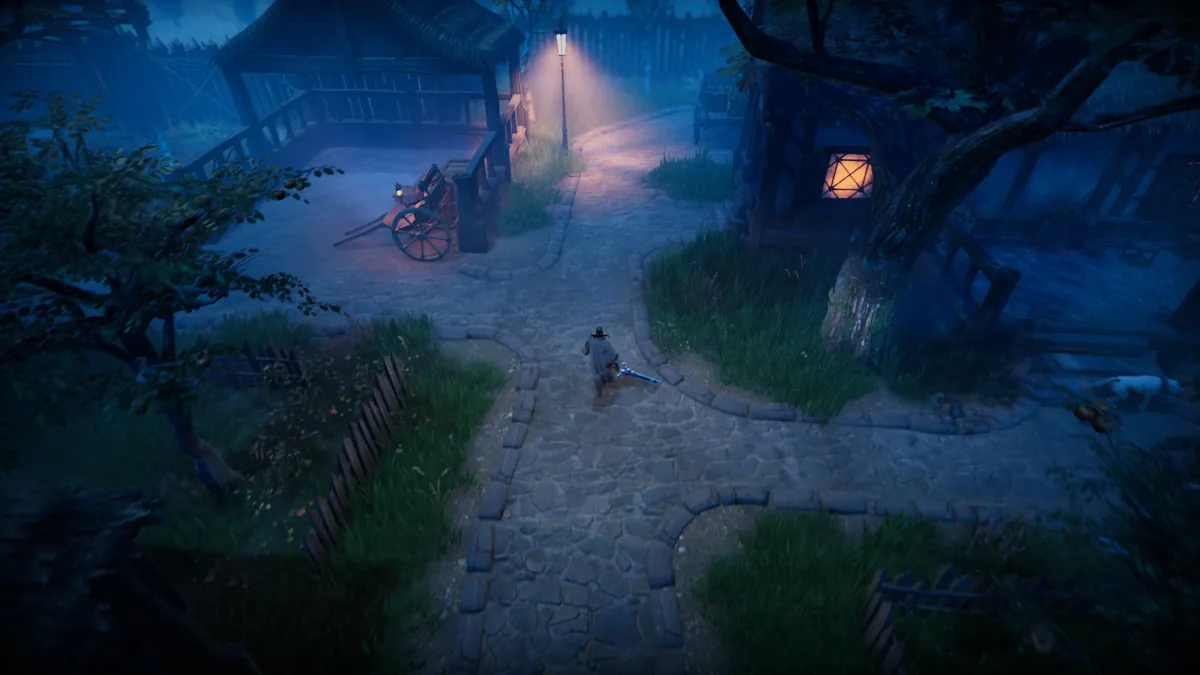
Official progression route image
Real route context for the guide, but not proof of the site's unlock order or save-state advice.
Source: official Stunlock press pageProof boundary: this image is official visual context. It does not move this page's screenshot count, and it does not replace the planned site-captured screenshot slots listed below.
Official visual context
This official V Rising video gives the guide game-world context while the site waits for its own real route screenshots. It is not counted as V Rising Forge site-tested proof and does not move the live screenshot total.
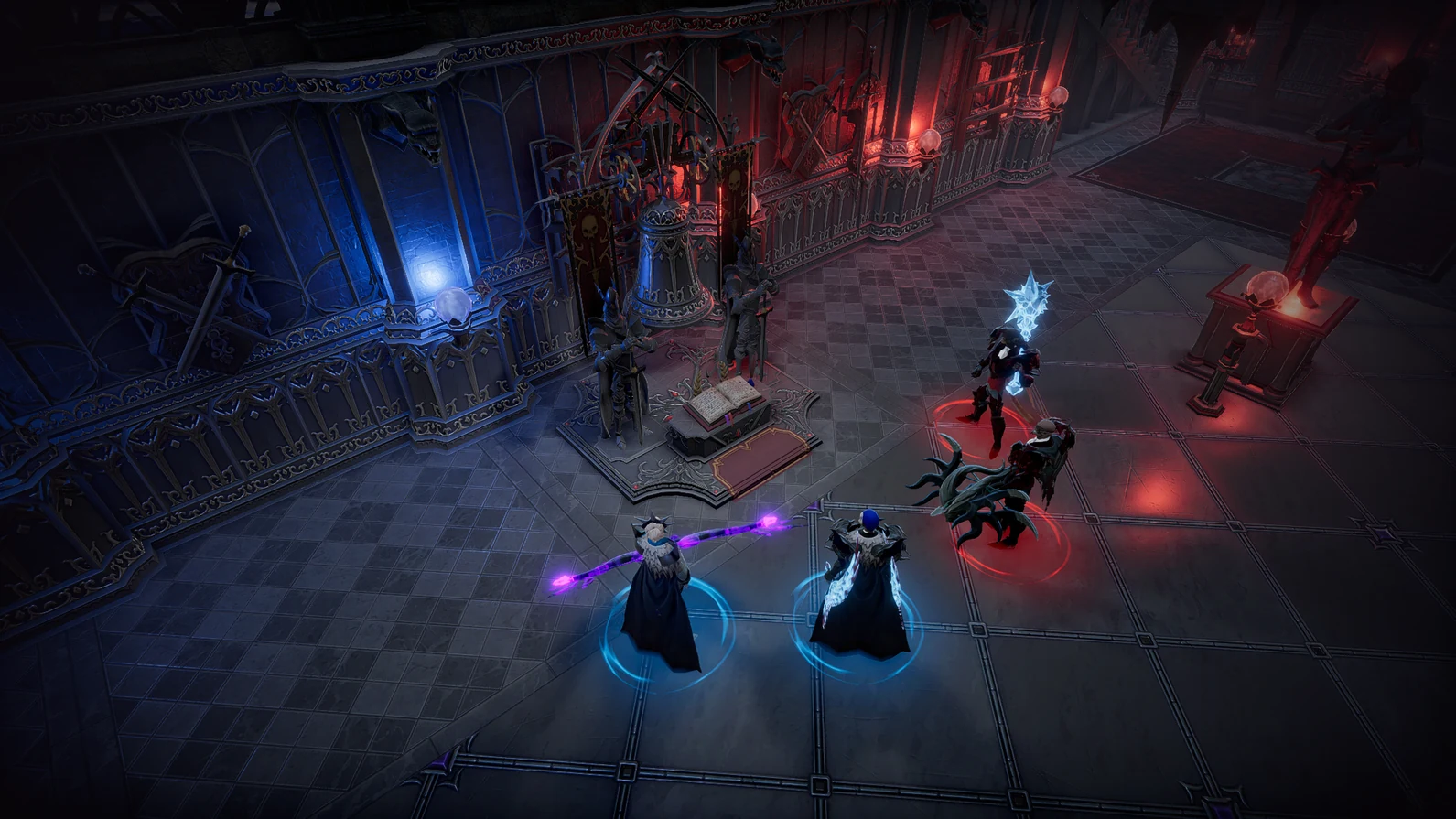 Open official video source
V Rising - Early Access Launch Trailer
For this progression page, the official V Rising - Early Access Launch Trailer only sets game-world context around v rising waygate fast travel guide. It does not verify this page's exact route, layout, or setup claim.
Source: official V Rising homepage